Page under development…
Frequently Asked Questions (FAQs)
Downloading and installation
Q. What are the system requirements for DataSuite?
- Check out the list of System Requirements.
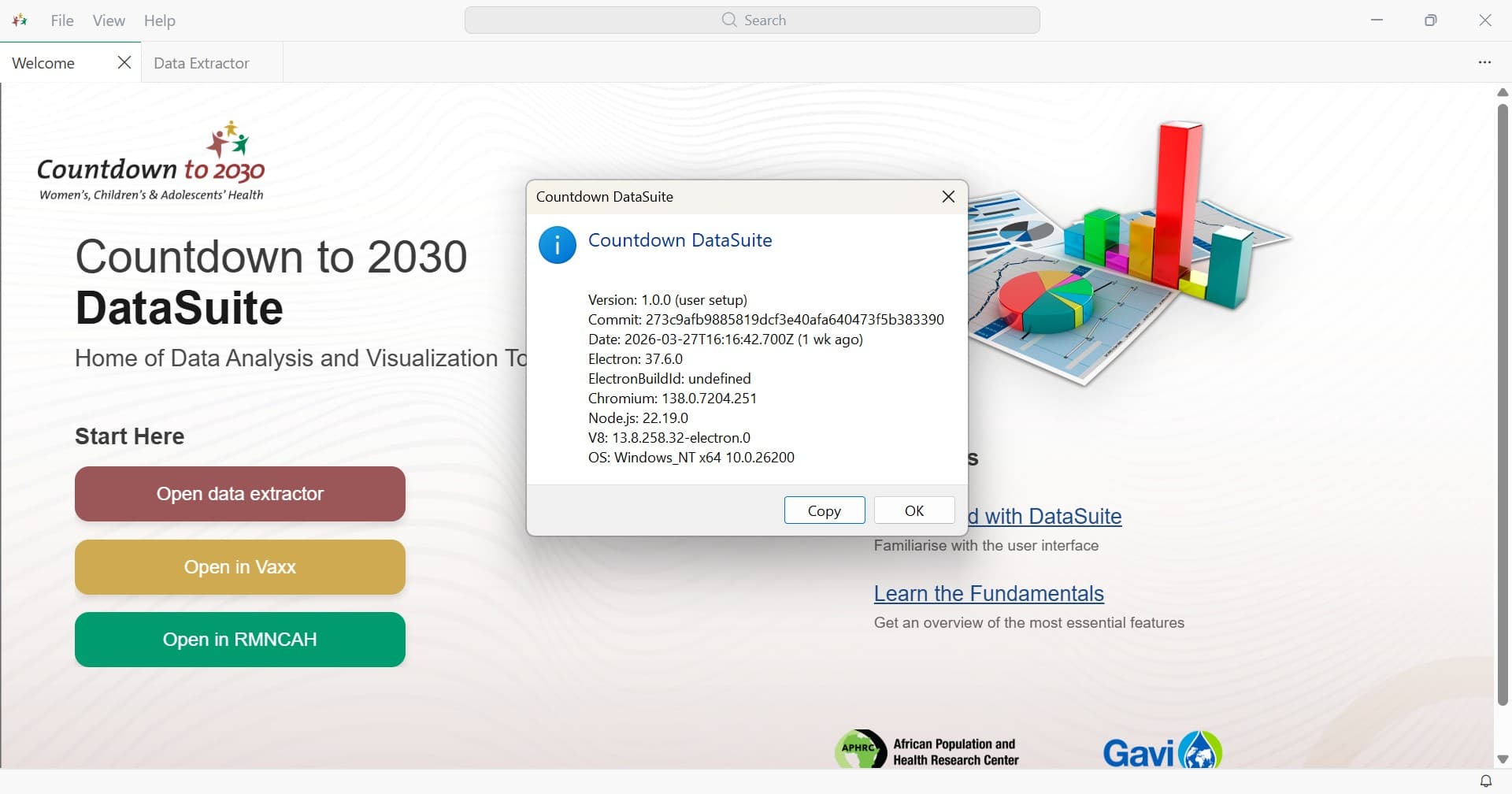
Q. How do I know which version of CD2030 Datasuite I’m running?
- On the Menu bar, right-click Help and select About.
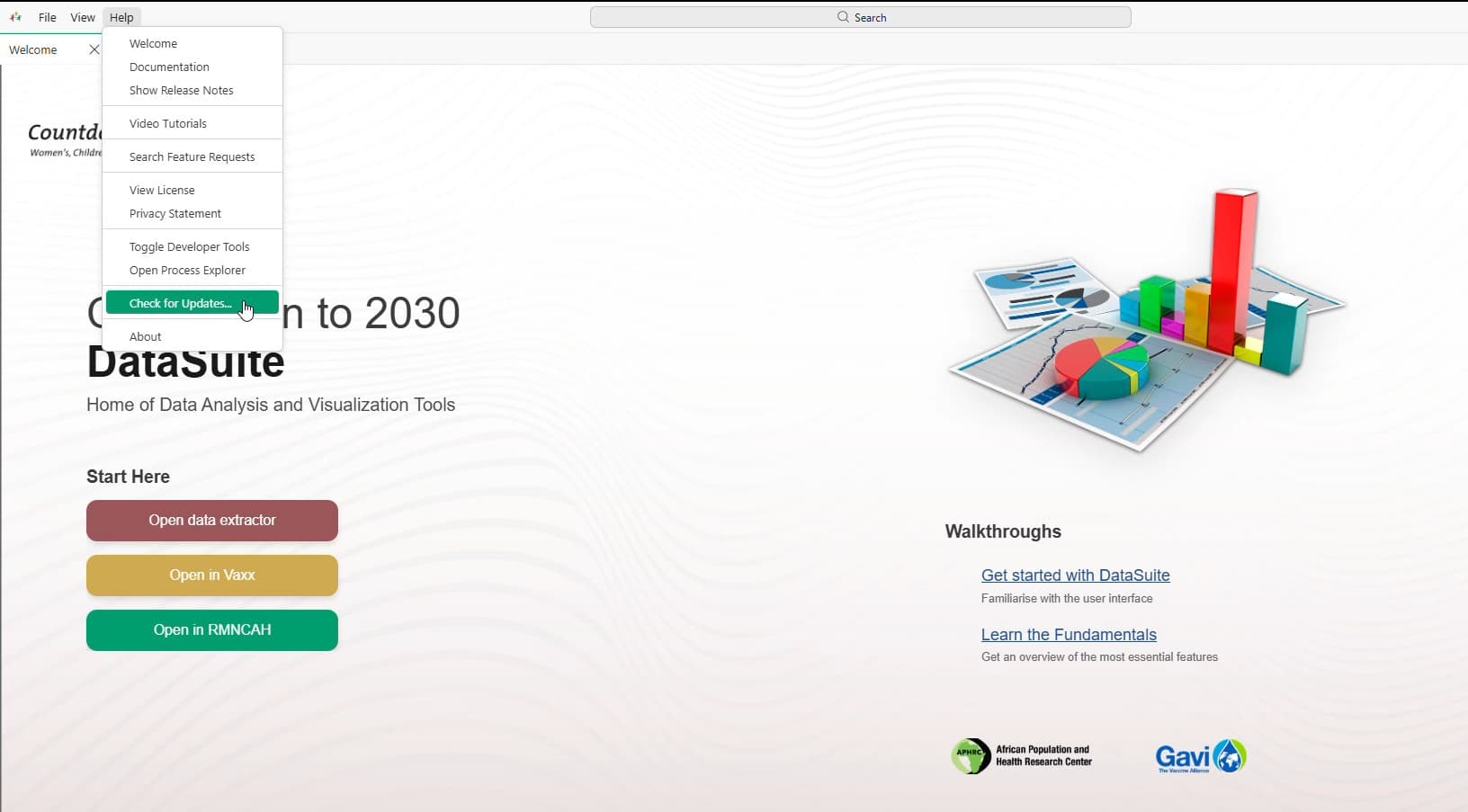
Q. How do I manually check for CD2030 Datasuite version updates?
- On the Menu bar, right-click Help and select Check for Updates.
Q. How can I do a ‘clean’ uninstall of DataSuite?
- If you want to remove all user data after uninstalling DataSuite, you can delete the user data folders
DataSuiteand.datasuite. - This returns you to the state before you installed DataSuite. This approach can also be used to reset all settings if you don’t want to uninstall DataSuite.
- The folder locations vary depending on your platform:
Windows - Delete %APPDATA%\DataSuite and %USERPROFILE%\.datasuite.
DHIS2 Data Extractor
Q. Login fails
- Verify DHIS2 URL
- Check credentials
Q. Export errors
- Check file permissions
- Review mapping config
Analysis set up
Q. Loading Data: Excel OR RDS file?
- First time loading
- Subsequent loading
Q. I cannot locate the generated cache file
- Ensure that you have properly set up your working folder. Then look for a file that has a name in the format
Countryname_yyyymmddhhms.rds. Example:Somalia_202605241128.rds.
Q. Where do I get the national/subnational coverage parameters
- TBC
Q. Where are the other datasets being used in the coverage analysis?
- TBC
Q. Export errors
- Check file permissions
- Review mapping config
Q. No outputs are generated after uploading data.
- Data adjusted?
- All analyis parameters well set up?
Report generation
Q. What are the expected report types?
- Synthesis reports, one pagers, subnational reports
Q. In which sections can I download the reports
- Download sections
Last updated on