Analysis steps
This page applies to the RMNCAH app only.
Analysis in the RMNCAH App follows a logical flow with the following steps. Each step names the guide that describes the pages involved; the step title links to the methodology chapter. Why the analysis runs in this order: Framework overview > End-to-end workflow.
Loading data
In the app: Load Data. See Getting started.
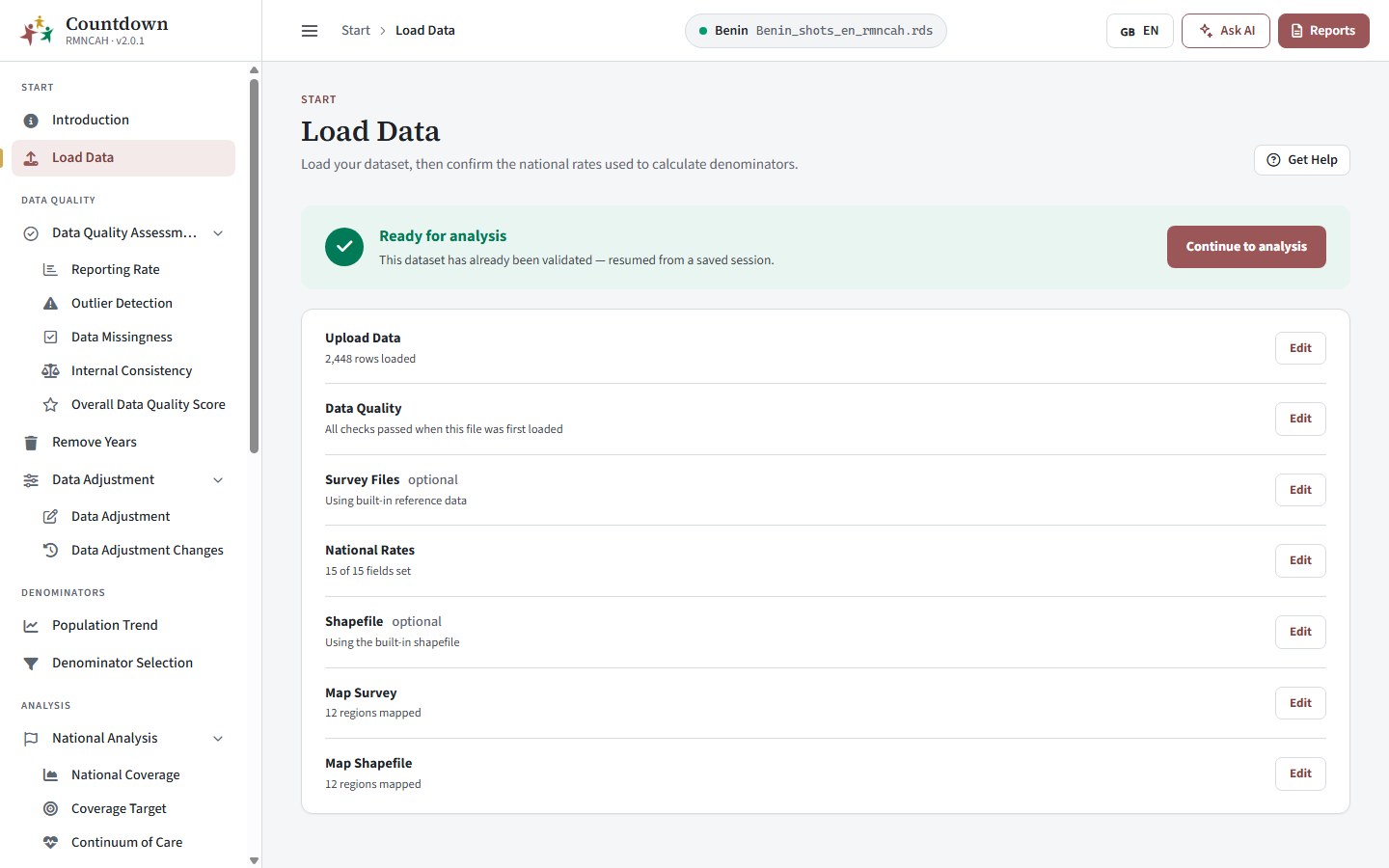 Loading routine data
Data quality assessment
In the app: Data quality pages. See Data quality.
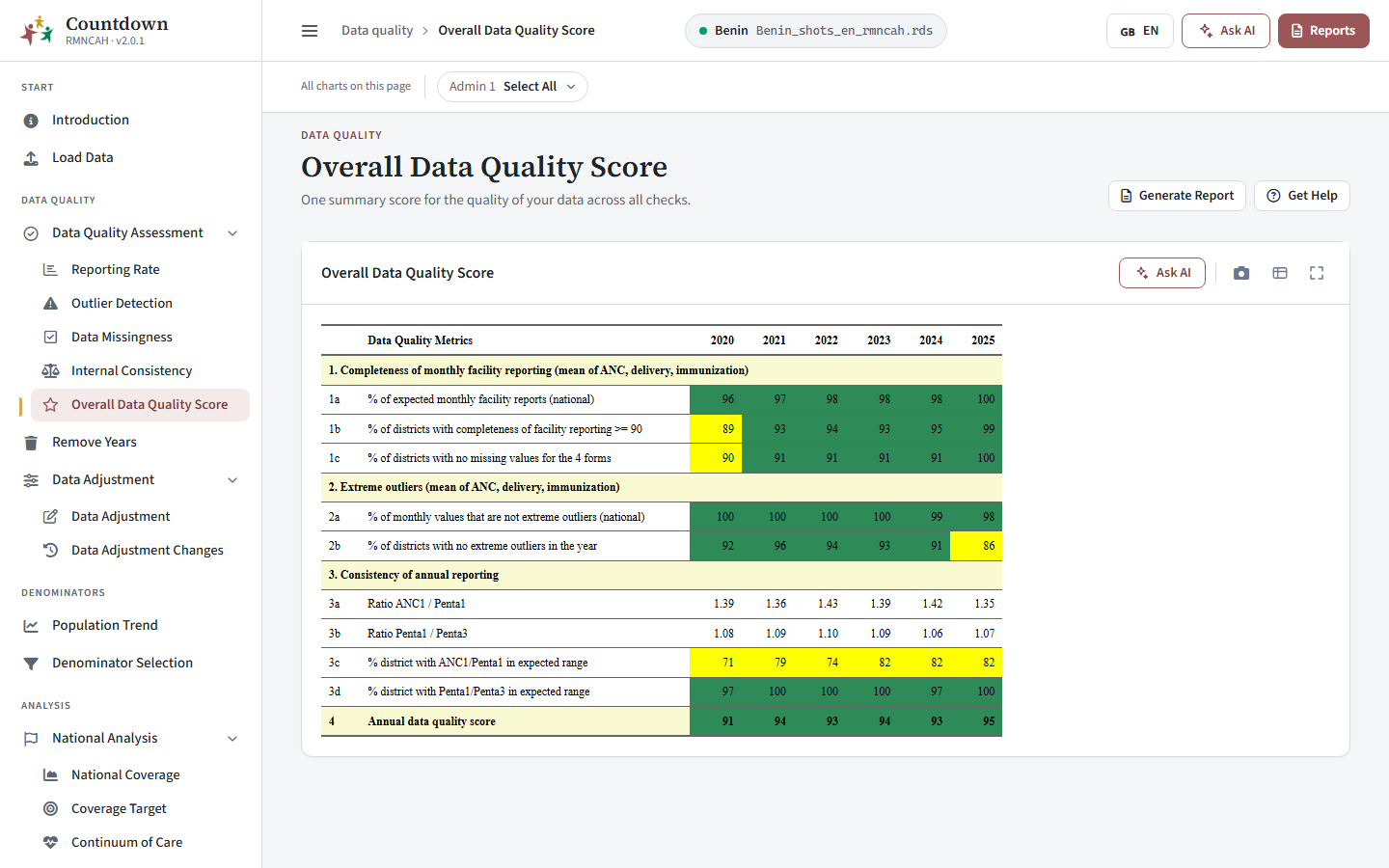 Data quality assessment overall score
Data adjustment
In the app: Remove Years, Data Adjustment and Data Adjustment Changes. See Data preparation. This step unlocks all the analysis pages.
Denominator selection
In the app: Denominator Assessment and Denominator Selection. See Denominators.
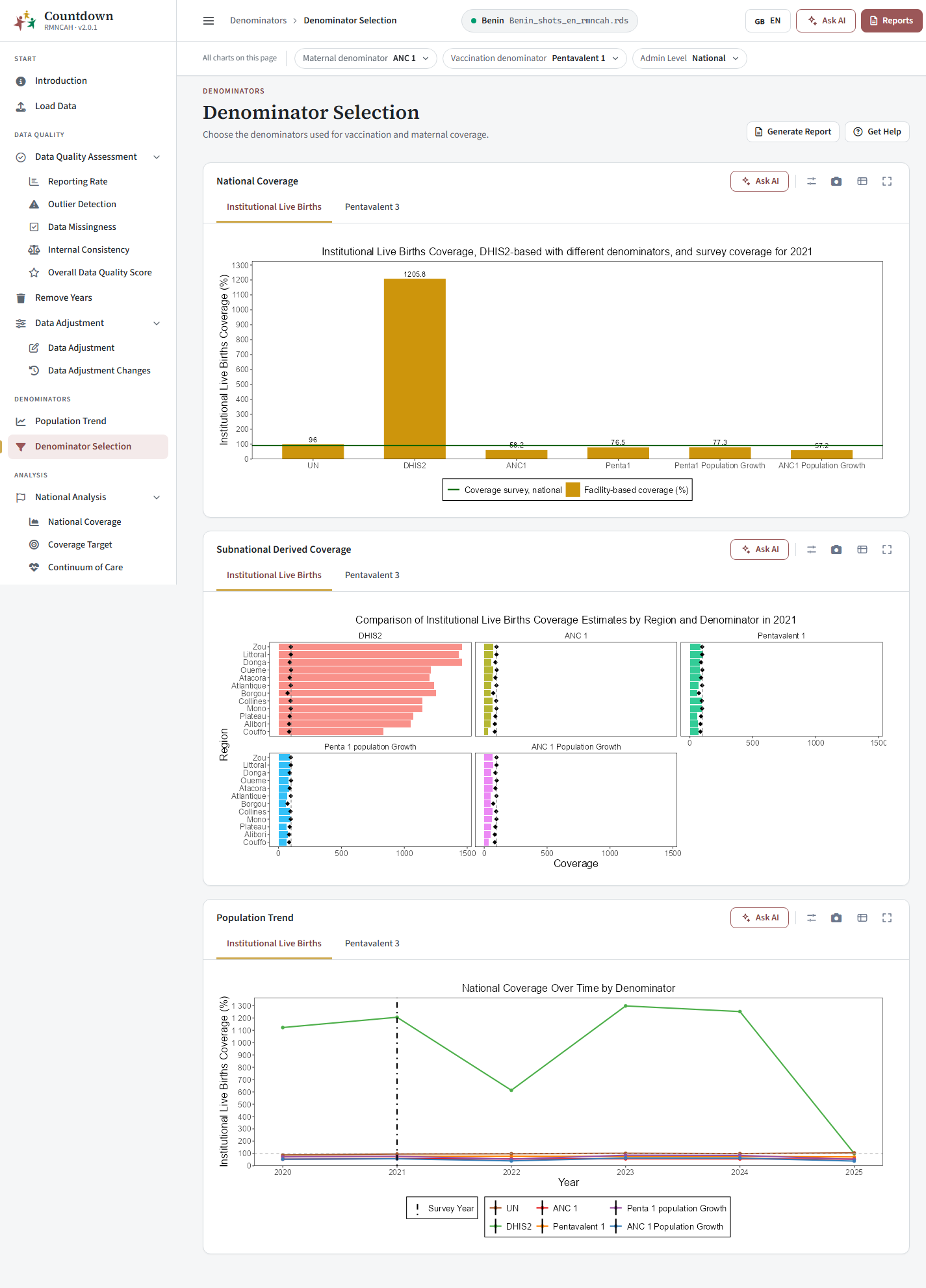 Best denominator selection
Coverage estimation
In the app: National Coverage, Coverage Target, Continuum of Care and Bayesian Analysis. See Coverage, equity and targets and Advanced analysis.
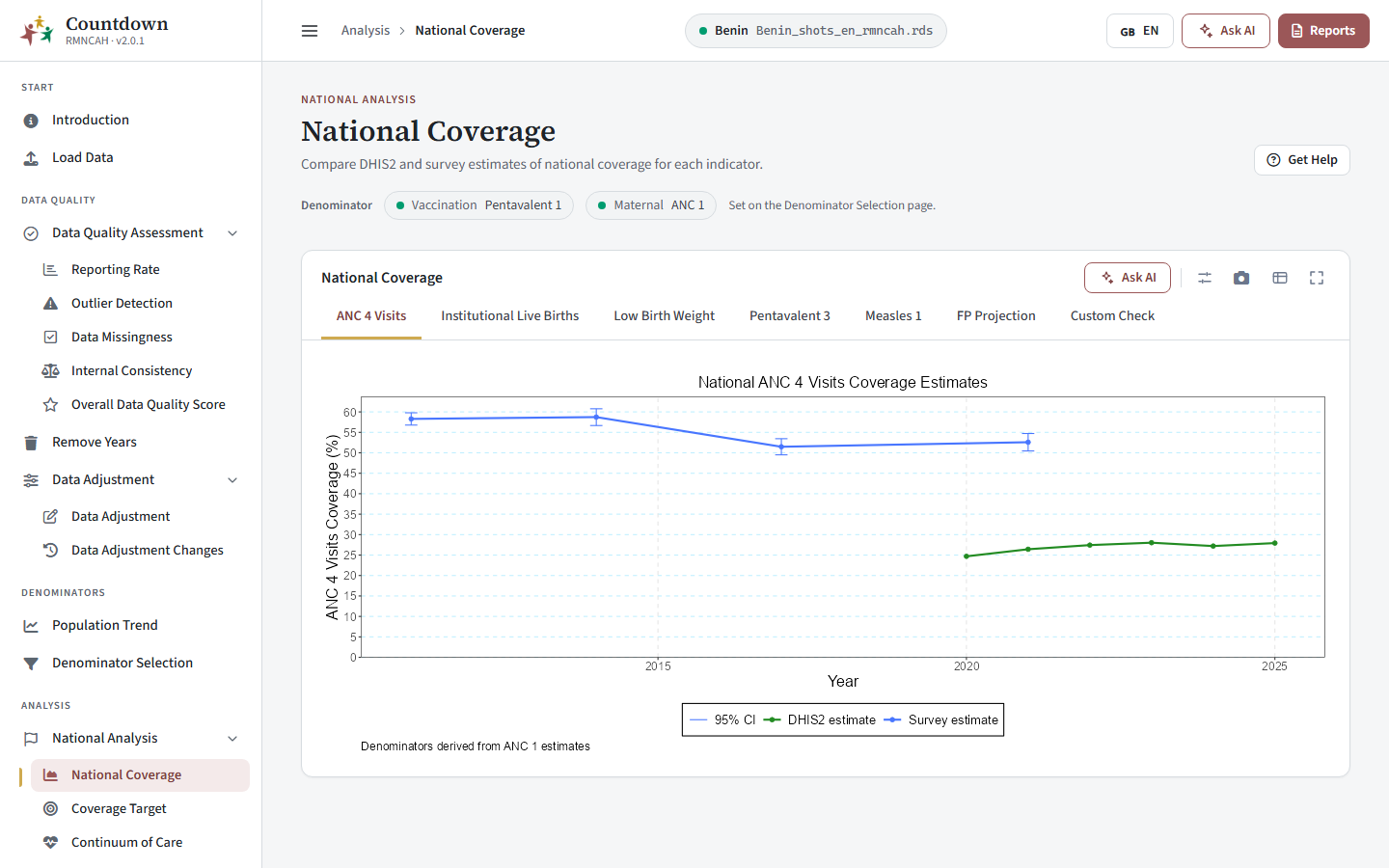 National coverage estimates
Equity analysis
In the app: National Inequality and Equity Assessment. See Coverage, equity and targets.
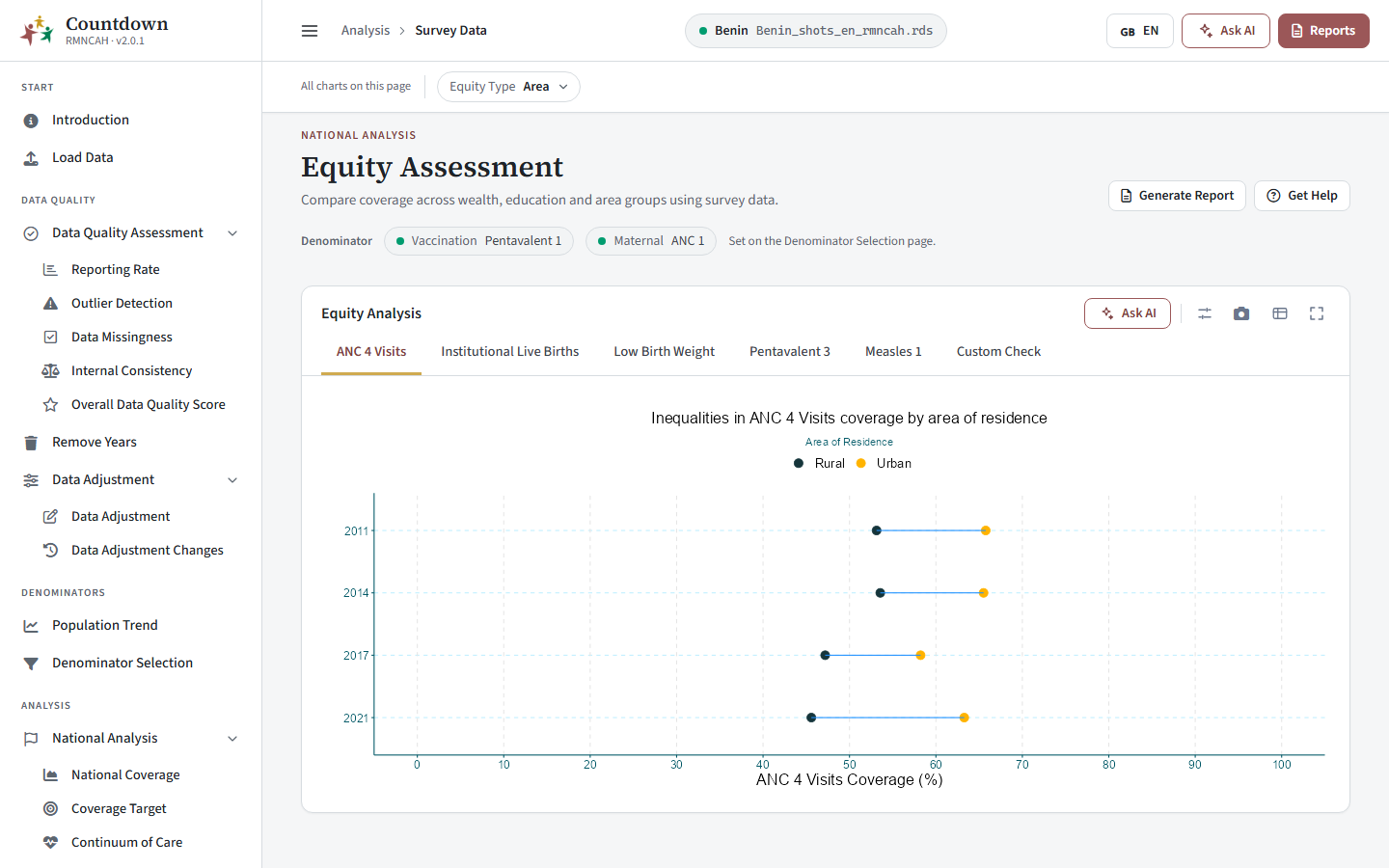 Equity analysis by area of residence
Sub-national analysis
In the app: Sub-National Coverage, Sub-National Inequality and Coverage Target. See Sub-national analysis.
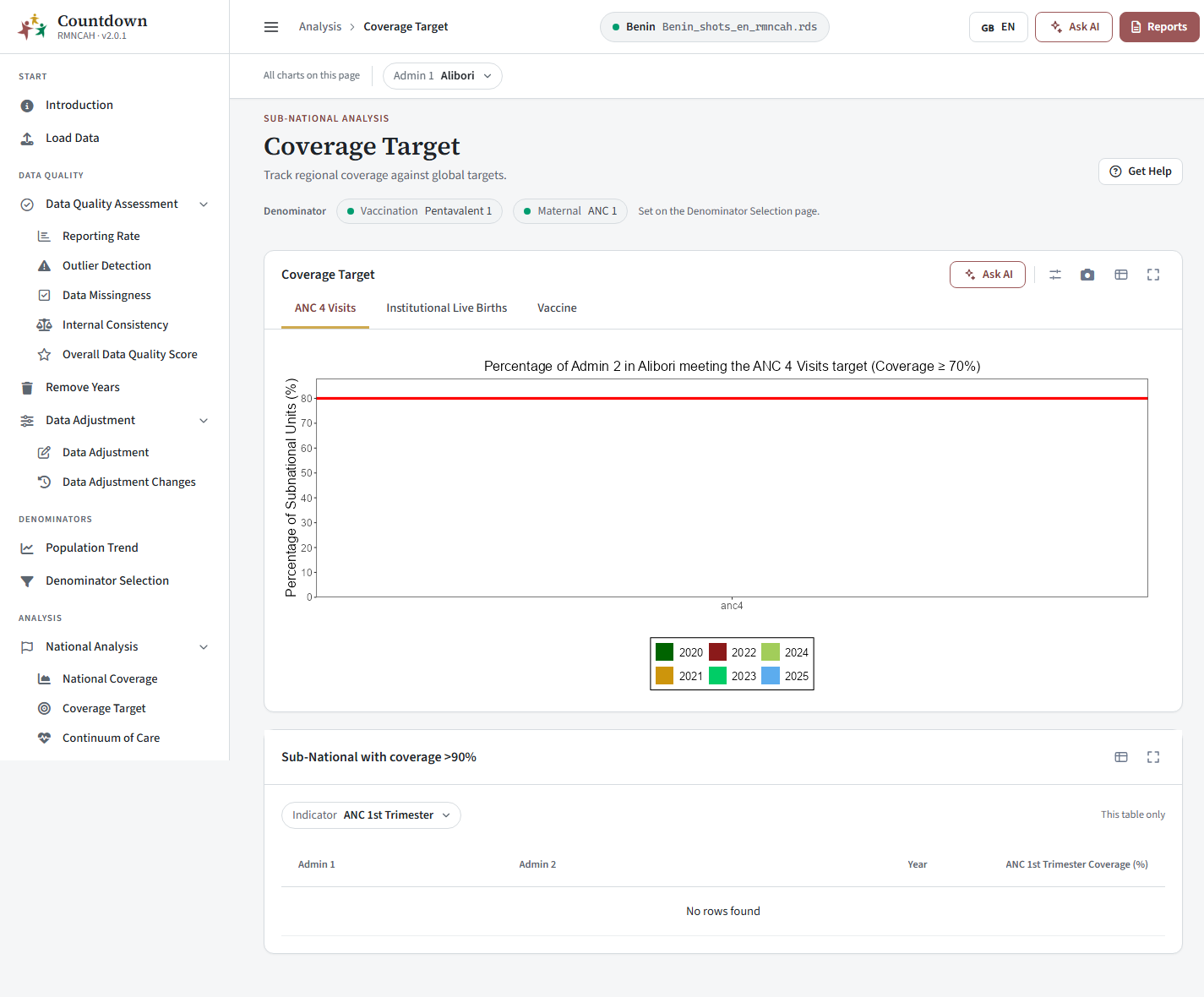 Sub-national coverage against targets
Mortality analysis
In the app: Mortality pages. See Mortality.
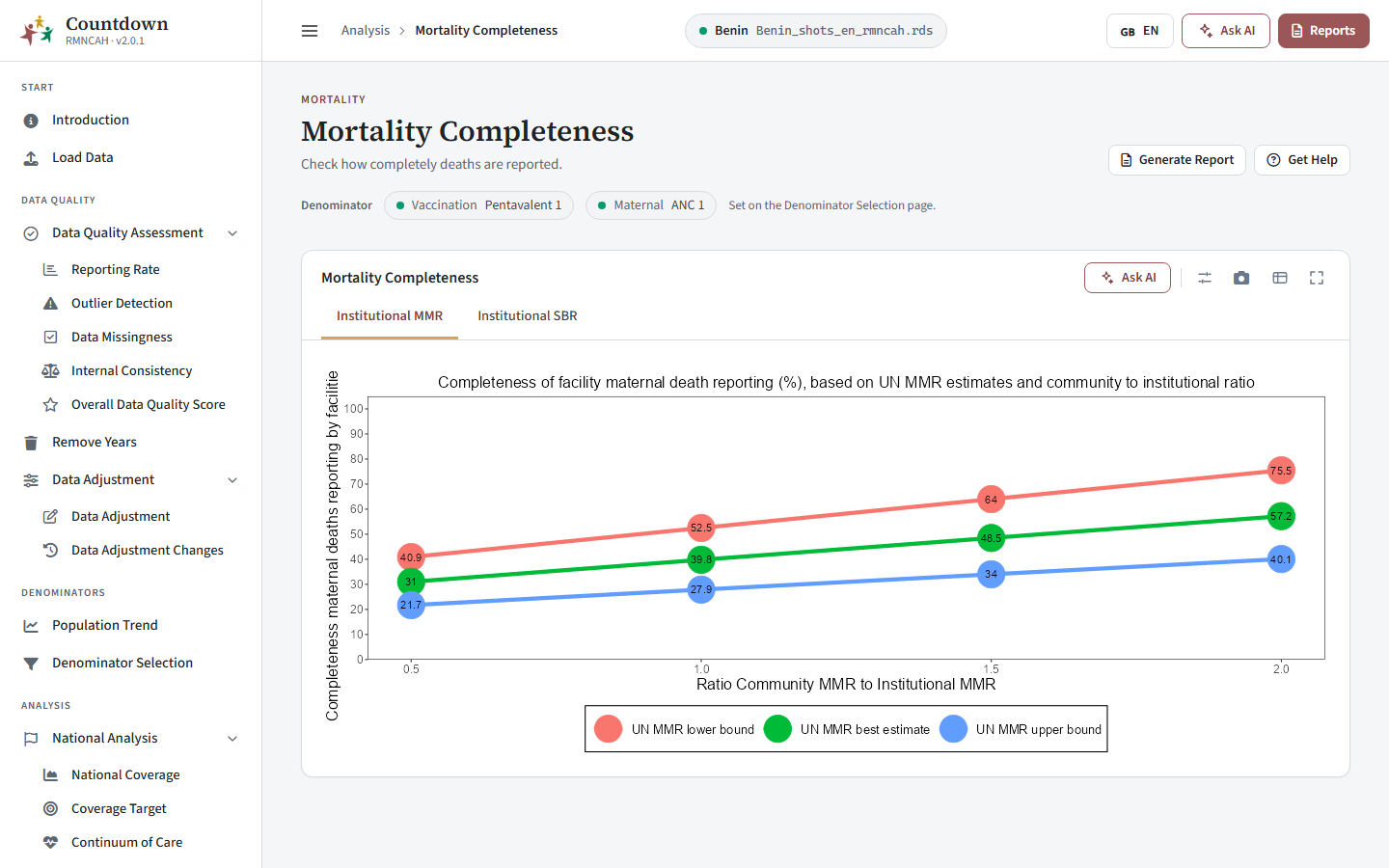 Mortality data completeness
Service utilization
In the app: Service Utilization pages. See Service utilization and health system.
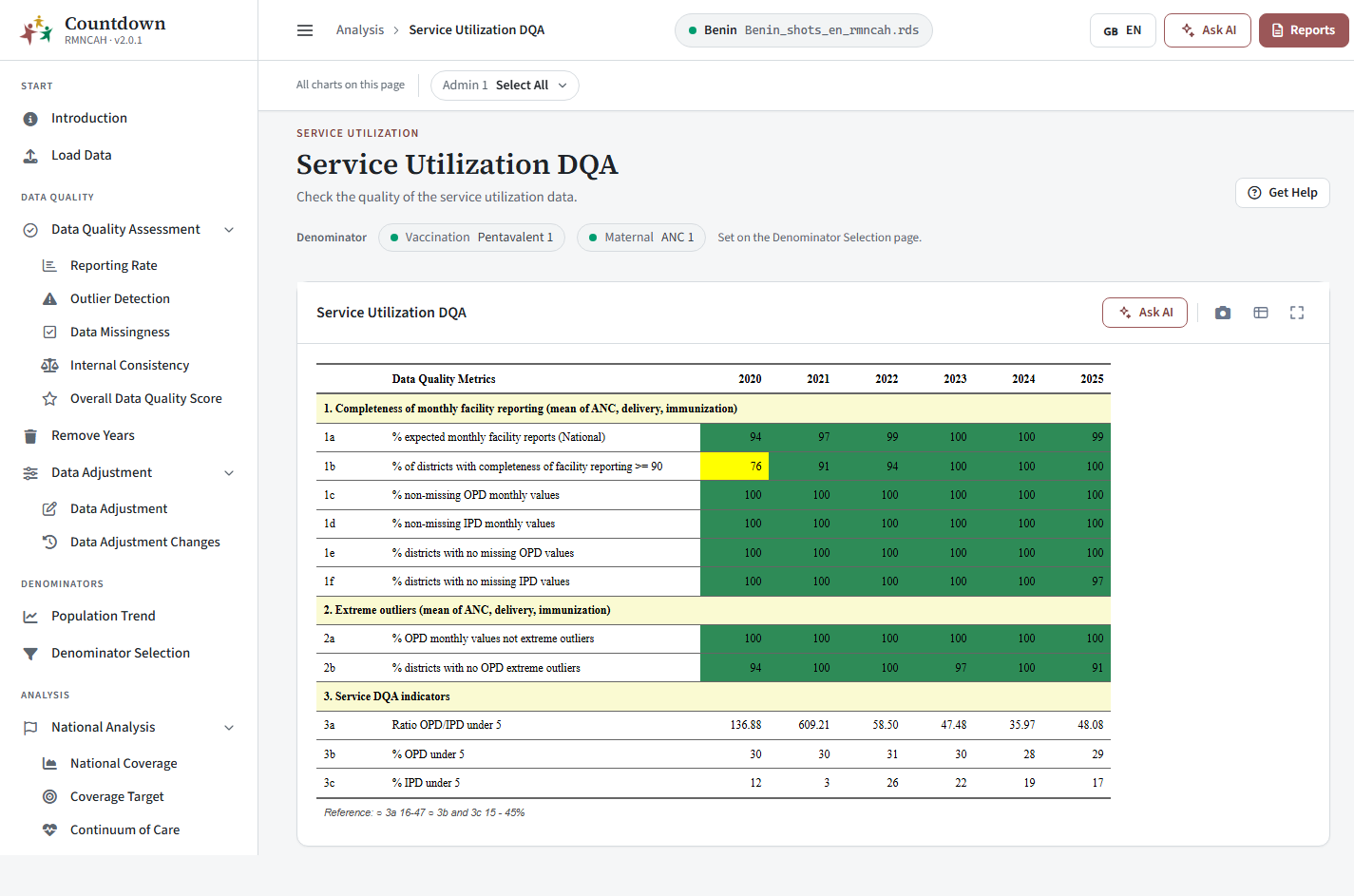 Service utilization data quality assessment
Health system performance
In the app: Health System Performance pages. See Service utilization and health system.
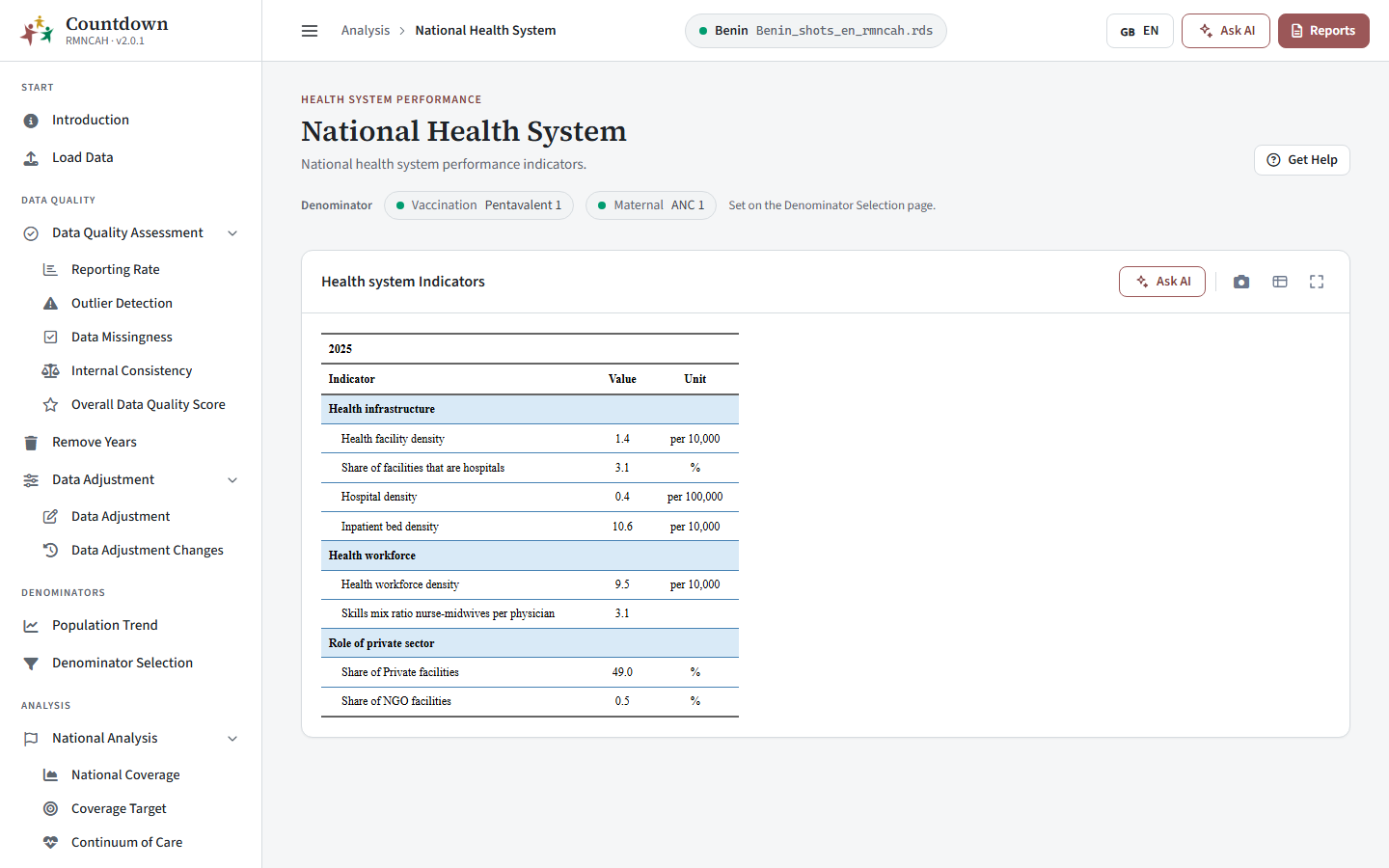 Health system performance
Dissemination, decisions, and action
In the app: Reports (see Reports) and the download buttons on every chart and table (see Exports, reports and AI).
Leveraging AI for analysis and interpretation
In the app: the DataSuite chat assistant works on the same saved dataset. See Exports, reports and AI.